In 2026, smart home automation upgrades have become incredibly beginner-friendly, thanks to widespread adoption of the Matter standard, improved app interfaces, and affordable devices that work seamlessly together. No longer reserved for tech enthusiasts, these upgrades now deliver real convenience, energy savings, and enhanced security with minimal hassle. If you’re new to the world of connected homes, this guide provides a clear, step-by-step path to building a reliable system without overwhelming complexity or high costs.
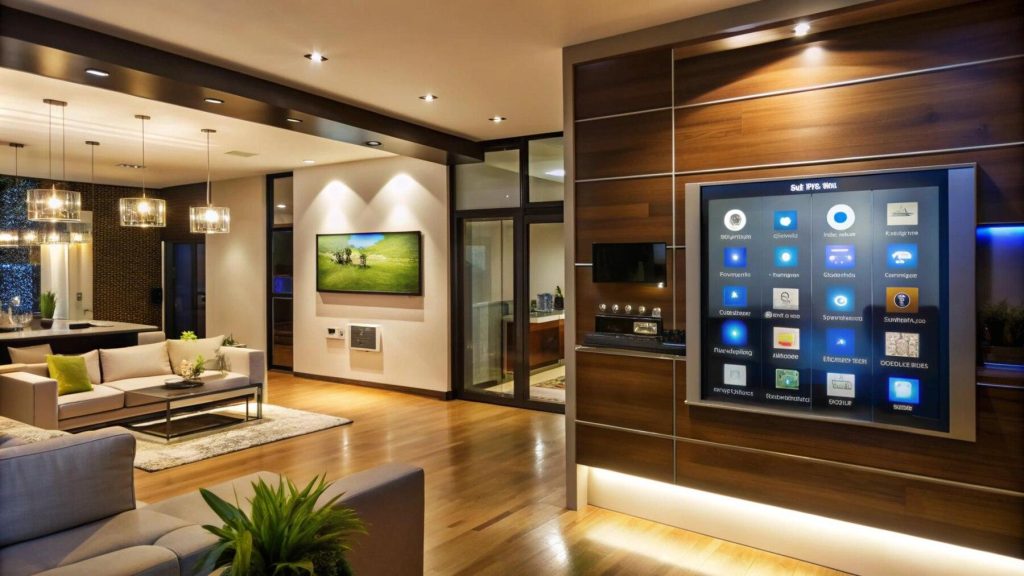
The beauty of starting in 2026 lies in interoperability: Most new devices support Matter, meaning they play nicely across platforms like Amazon Alexa, Google Home, and Apple HomeKit. This reduces the “which ecosystem?” headache that plagued earlier years. Beginners can focus on practical benefits—automating lights to greet you at dusk, saving on heating bills, or checking on your home remotely—while keeping setups simple and expandable.
Why Start Smart Home Automation Now?
Smart homes in 2026 emphasize “invisible tech”: Devices blend into your life, anticipate needs, and run locally for better privacy and speed. Key advantages for beginners include:
– Energy savings: Smart thermostats and plugs can cut utility bills by 10-20% through scheduling and auto-adjustments.
– Convenience: Voice commands or routines handle daily tasks like turning off forgotten lights.
– Security boost: Affordable cameras and sensors provide peace of mind without monthly fees in many cases.
– Future-proofing: Matter compatibility ensures today’s purchases integrate with tomorrow’s innovations.
Start small—focus on one or two rooms—and expand as you gain confidence. Most setups require only Wi-Fi and a smartphone.
Step 1: Choose Your Central Hub (The Brain of Your System)
Every beginner needs a central control point. In 2026, options are more accessible than ever.
– Voice assistants as hubs: Start with an affordable smart speaker or display like the Amazon Echo Dot ($50 range) or Google Nest Mini. These handle voice control and basic automations out of the box.
– Dedicated hubs for growth: For better reliability, consider the Samsung SmartThings Station or Ikea Dirigera (around $100). They support Matter and Thread, bridging devices without subscriptions.
– Beginner-friendly picks: Apple HomePod Mini if you’re in the Apple ecosystem, or Home Assistant Green ($159) for those wanting more customization without coding.
Tip: Pick based on your phone—Alexa for Android-heavy homes, Google for broad compatibility, Siri for privacy focus.
Step 2: Start with the Easiest Upgrades – Lighting and Plugs
These offer instant gratification and low risk.
– Smart light bulbs: Replace a few regular bulbs with Matter-certified ones like Philips Hue, GE Cync, or budget Linkind options ($10-20 each). Control brightness, color, and schedules via app or voice. Create “good morning” routines that gently brighten lights and play news.
– Smart plugs: Turn any appliance smart—lamps, fans, coffee makers—for under $15. Brands like Amazon Smart Plug or Meross work reliably. Set timers to avoid vampire energy drain.
Pro move: Use “scenes” like “Movie Night” to dim lights and close shades (if you add motorized ones later).
Step 3: Add Climate Control for Comfort and Savings
A smart thermostat is one of the highest-ROI upgrades.
– Top beginner choice: Google Nest Learning Thermostat or Ecobee models (around $200-250). They learn your schedule, detect presence, and adjust automatically. Pair with remote sensors for even heating/cooling.
– Budget alternative: Wyze or Sensi thermostats offer similar features at lower prices.
Setup tip: Most install in 20-30 minutes with basic tools. Link to your hub for voice adjustments like “Set temperature to 72° when I arrive home.”
Step 4: Boost Security Without Complexity
Security upgrades feel empowering and are straightforward.
– Video doorbells: Ring or Google Nest Doorbell (battery version, $100-180) for easy install—no wiring needed. Get motion alerts and two-way talk.
– Indoor/outdoor cameras: Aqara Camera Hub G5 Pro or Wyze Cam series provide sharp video, AI detection, and local storage options to avoid subscriptions.
– Smart locks: Schlage Encode or Aqara U400 (Matter-compatible) let you lock/unlock remotely and create guest codes.
Beginner routine: “Away Mode” that arms sensors, turns off lights, and notifies you of motion.
Step 5: Build Simple Automations That Save Time
Automations are where the magic happens—no coding required in modern apps.
Examples for beginners:
– Lights turn on at sunset and off at bedtime.
– Thermostat drops to eco mode when no one’s home (using phone location or motion sensors).
– Coffee maker starts brewing when your alarm goes off.
– “Good Night” routine: Locks doors, dims lights, sets alarm.
Use your hub’s app to create these in minutes—drag-and-drop interfaces dominate in 2026.
Privacy, Security, and Maintenance Tips
Smart homes are safe when set up thoughtfully:
– Use strong, unique Wi-Fi passwords and enable two-factor authentication.
– Prefer local control options (Matter/Thread) over cloud-only devices.
– Update firmware regularly via apps.
– Start with a separate guest Wi-Fi network for IoT devices.
Common pitfalls to avoid: Overbuying gadgets before mastering basics, or ignoring compatibility—always check for Matter support.
Budget Breakdown and Expansion Plan
– Starter kit under $300: Smart speaker + 4 bulbs + 2 plugs + doorbell.
– Mid-level ($500-800): Add thermostat, camera, and lock.
– Expansion: Sensors for doors/windows, motorized shades, or robot vacuums.
Shop during sales, check compatibility lists, and buy from reputable sources for easy returns.
Your First Smart Home in Action
Imagine arriving home: Lights gently welcome you, thermostat pre-warms the space, and your favorite playlist starts softly. Later, a “wind down” routine dims everything as you prepare for bed. In 2026, this isn’t futuristic—it’s achievable for beginners with patience and the right starting points.
Smart home automation upgrades enhance daily life without demanding constant attention. Begin with what solves your biggest annoyances—forgotten lights, chilly mornings, or security worries—and watch your home evolve intelligently. Take that first step today; the technology is finally ready for you.